Exporting Invoice Data
Invoice data can be exported as CSV (comma separated values). The exported file can then be imported into Excel, accounting packages - or just kept as a backup.
There are two ways to export invoice data.
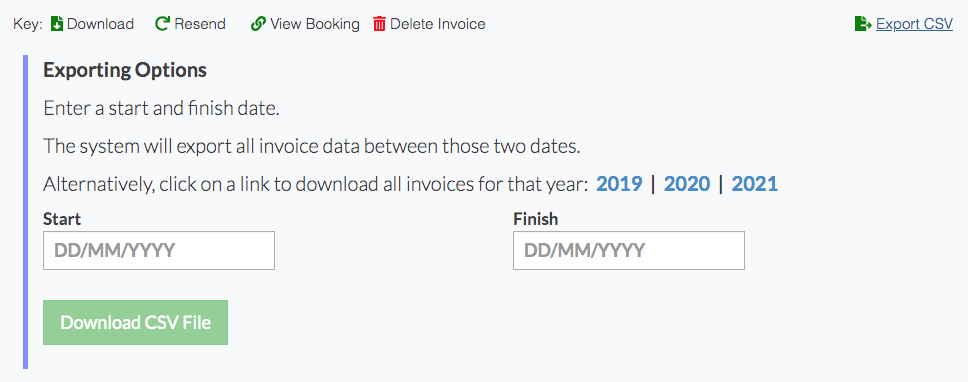
1) Go to the invoicing page. Click on Export CSV. You can choose to export by year or between two dates.
2) Head to Reports >> Data Export
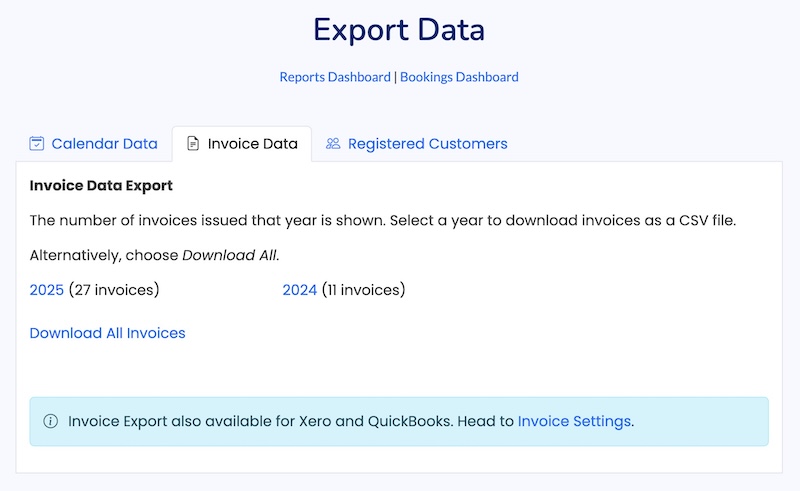
You can download invoice data for a year (or all years) as CSV.
If you've set up Xero or Quickbooks export, you can also export a CSV file for specially formatted for these software packages.
Looking for more help?
Contact us if you need further assistance.