Set a minimum booking duration
By default, any length of booking is allowed.
You may have a policy that bookings need to be at least 90 minutes or two hours.
You can enforce this for bookings made by the public.
Go to Settings >> Booking Restrictions
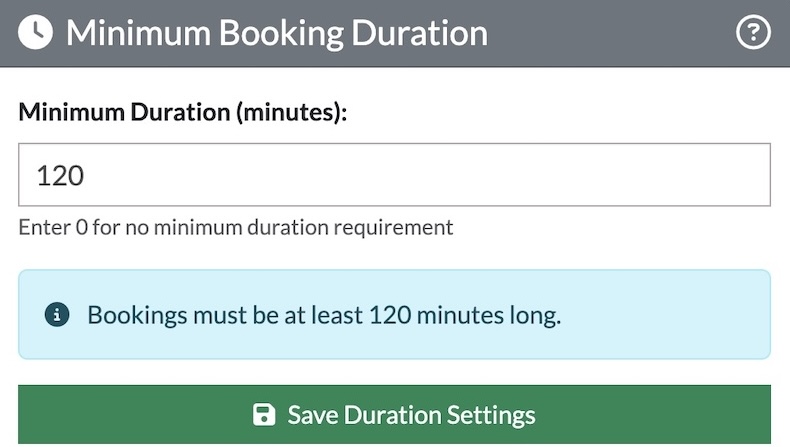
If you don't want to set a minimum, the value set should be zero.
Otherwise, set a minimum time in minutes. For example, if your minimum booking length is an hour and a half, write 90 in the gap and click save.
Remember: Administrators are not bound by this rule. You can make bookings for any length of time.
Looking for more help?
Contact us if you need further assistance.