Customising the Booking Form
You can customise the booking form with a note at the top that your hirers will see before they fill in the booking form. For example, if you want to remind hirers of something before they book (e.g. no teenage birthday parties), you might do this:
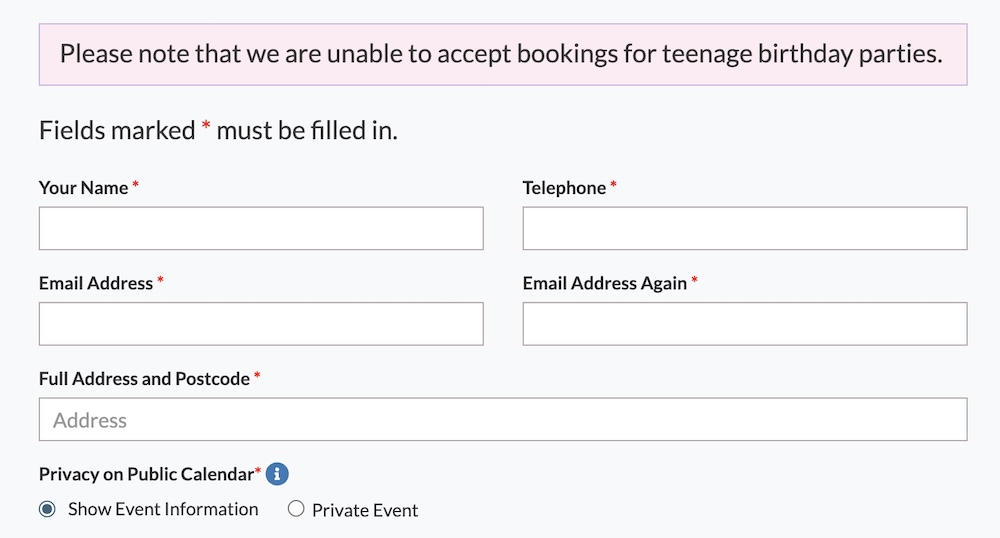
To set a top page note, head to Settings >> Advanced Settings >> Booking Top Page Note
If there is additional information that you need to collect on your form, you can edit the final question on the form to ask.
By default, the final section just says ‘Message for the Administrator’. However, you can change this to ask for other information:
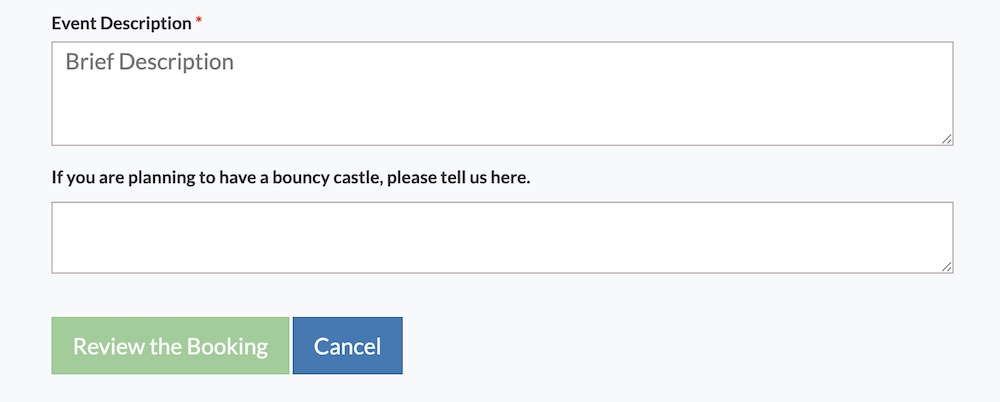
To change the text, head to Settings >> Advanced Settings >> Message to Administrator Note.
Looking for more help?
Contact us if you need further assistance.