Changing the Order of Photos
You can change the order of the photos in your gallery.
Head to Settings >> Venue Photographs
Scroll down to the gallery of images.
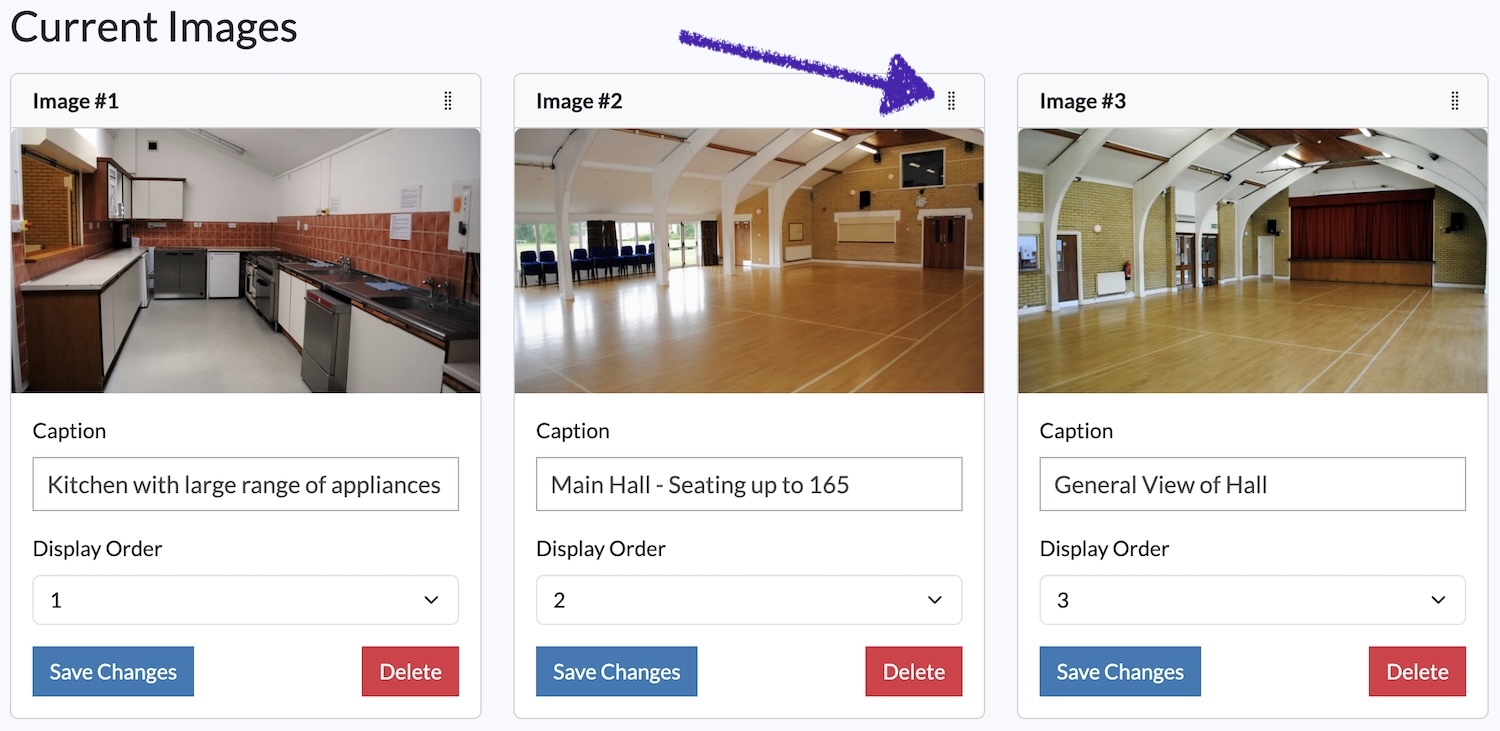
If you're on a computer with a mouse / trackpad, you can click on the drag icon (see image above). Just drag the photo to the desired position. It automatically saves when you release.
If you're on a touch device, use the Display Order dropdown. Just choose the position for the photo and click on Save Changes.
Looking for more help?
Contact us if you need further assistance.